Configuring System Tasks
- From the Administrator Tools tab on the SmartSolve Portal Page, click Designer > Workflow Designer.
- Create a new workflow.
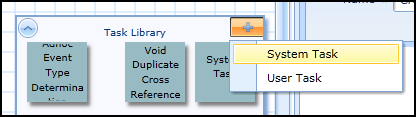
- On the design canvas under the Task Library, click + > select System Task.
Result: A new System Task node is displayed.
- Left click the System Task object.
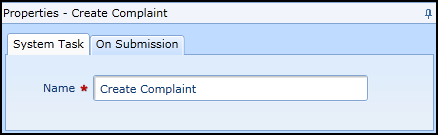
Result: The Properties panel for the System Task object is displayed.
See Also